
Convert Bitcoin into a tappable Apple Pay card without a bank account or identity verification. The full process from BTC to first tap-to-pay transaction, in under 10 minutes.
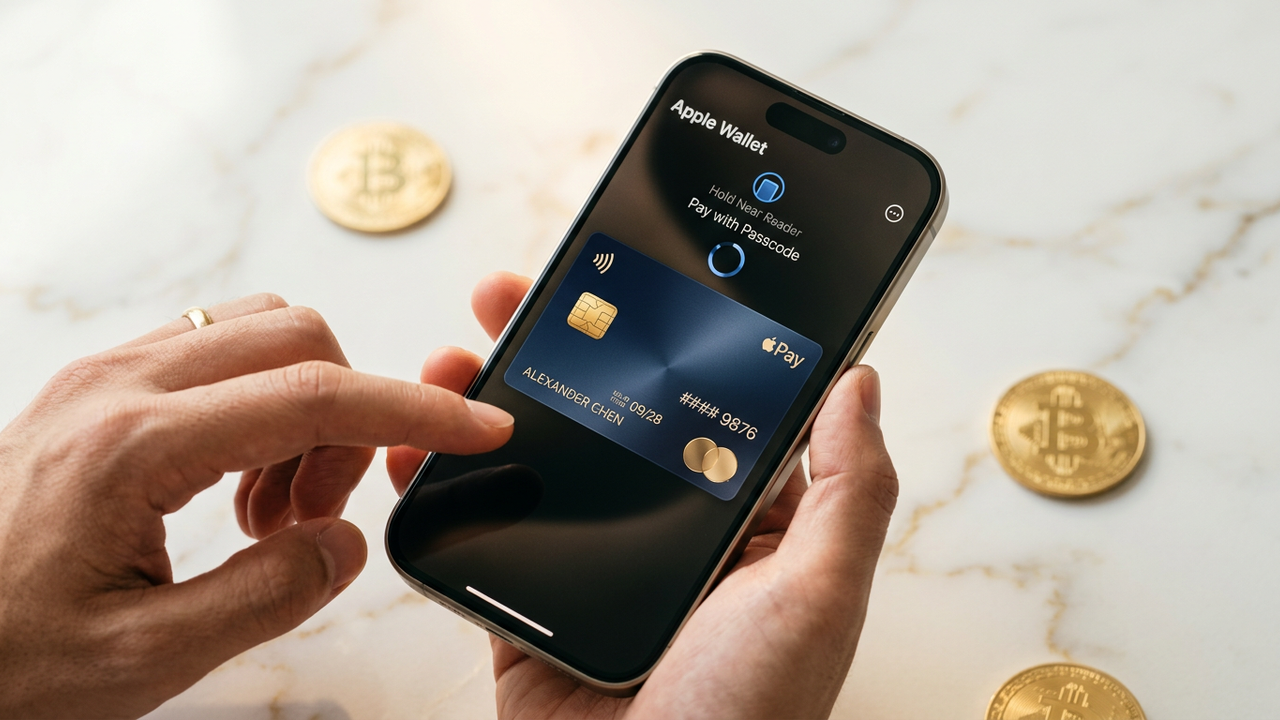
Apple Pay doesn't accept cryptocurrency directly — every wallet card has to be backed by a Visa or Mastercard issuer. The standard path requires a bank-issued card linked to your identity. This guide walks through the alternative: spending Bitcoin via a crypto-funded virtual Visa card that provisions cleanly into Apple Wallet, with no identity step anywhere in the chain.
Go to cryptocardy.com and click "Get Started." A 16-character seed phrase is generated — that's your only credential. Save it in a password manager. No email, no phone number, no document scan.
In the dashboard, choose BIN 485291 (Visa Platinum). This is the BIN we specifically tuned for Apple Wallet provisioning success rate. Lower-tier BINs sometimes trigger a "verify with your bank" dead end on Apple Wallet — 485291 doesn't.
Open the deposit modal, pick Bitcoin (BTC). The dashboard shows a deposit address and a QR code. Send your BTC. For instant credit, use the network with the fastest confirmations — Bitcoin Lightning is not yet supported; on-chain BTC takes 1-3 confirmations (~15-45 minutes). If you want faster, use USDT TRC-20 instead (settles in ~20 seconds).
Once the deposit credits your balance, click "Issue card." Set the load amount — $200-$500 is a comfortable starting point for everyday tap-to-pay. The card number, expiry, and CVV appear in the dashboard within 5 seconds.
On your iPhone, open the Wallet app, tap the + in the top right, choose Debit or Credit Card. Tap Enter Card Details Manually (don't try to scan — the dashboard rendering doesn't parse reliably). Enter the card number, expiry (MM/YY), then CVV. Cardholder name can be anything plausible — Apple doesn't validate it.
Apple Wallet shows a "Terms and Conditions" screen for the card issuer. Accept. The provisioning service runs for 3-10 seconds, then the card appears at the top of your Wallet.
Hold your iPhone or Apple Watch near any contactless terminal that accepts Visa. Authenticate with Face ID or Touch ID. Done — the card has just paid with a portion of the Bitcoin you deposited 10 minutes ago.
Apple Pay tokenises the card on the device: the merchant doesn't see your card number, only a device-specific DPAN. Combined with a card that has no identity attached to it, this gives you a payment chain where:
That's a meaningfully different privacy posture than the standard "bank-issued card in Apple Pay" setup.
When the card balance drops, you have three options:
Bitcoin's on-chain confirmation time (15-45 minutes) is fine if you're not in a hurry. If you need the card immediately, fund with USDT TRC-20 (settles in 20 seconds) or Solana (settles in 5 seconds). Same destination — the card is identical. Just a different chain for the deposit.
On BIN 485291, almost never. If it does happen, delete the card from Wallet and re-add it. If it persists, issue a fresh BIN 485291 card from the dashboard and provision that instead.
Yes. Open the <strong>Watch</strong> app on iPhone, go to <strong>Wallet & Apple Pay</strong>, tap <strong>Add Card</strong>. The watch generates its own DPAN; you can tap-to-pay from either device independently.
Apple Cash requires a US Apple ID with US identity verification — it's incompatible with the no-KYC setup. This guide covers Apple Pay (card tokenisation), which is what 99% of "Apple Pay" use cases actually mean. Apple Cash is a separate, US-only product.
Yes. Both systems accept contactless Visa via Apple Pay, and BIN 485291 has been validated on both.
The card layer is private — no identity at issuance, no identity to merchants. The Bitcoin layer privacy depends on how you sourced the BTC: an exchange withdrawal links it to your KYC'd exchange account; a non-KYC swap (atomic swap, decentralised exchange) doesn't. For maximum privacy at the funding step, use Monero (XMR) instead of Bitcoin — same flow, just pick XMR in the deposit modal.
Sign up, deposit Bitcoin (or USDT for instant settlement), issue a BIN 485291 card, paste it into Apple Wallet. Tap-to-pay at any contactless terminal worldwide.