
Add a fresh BIN 471938 Visa Business card to your Google Ads account in minutes. No identity verification, instant issuance, and the right tier to clear Google's payment underwriting.
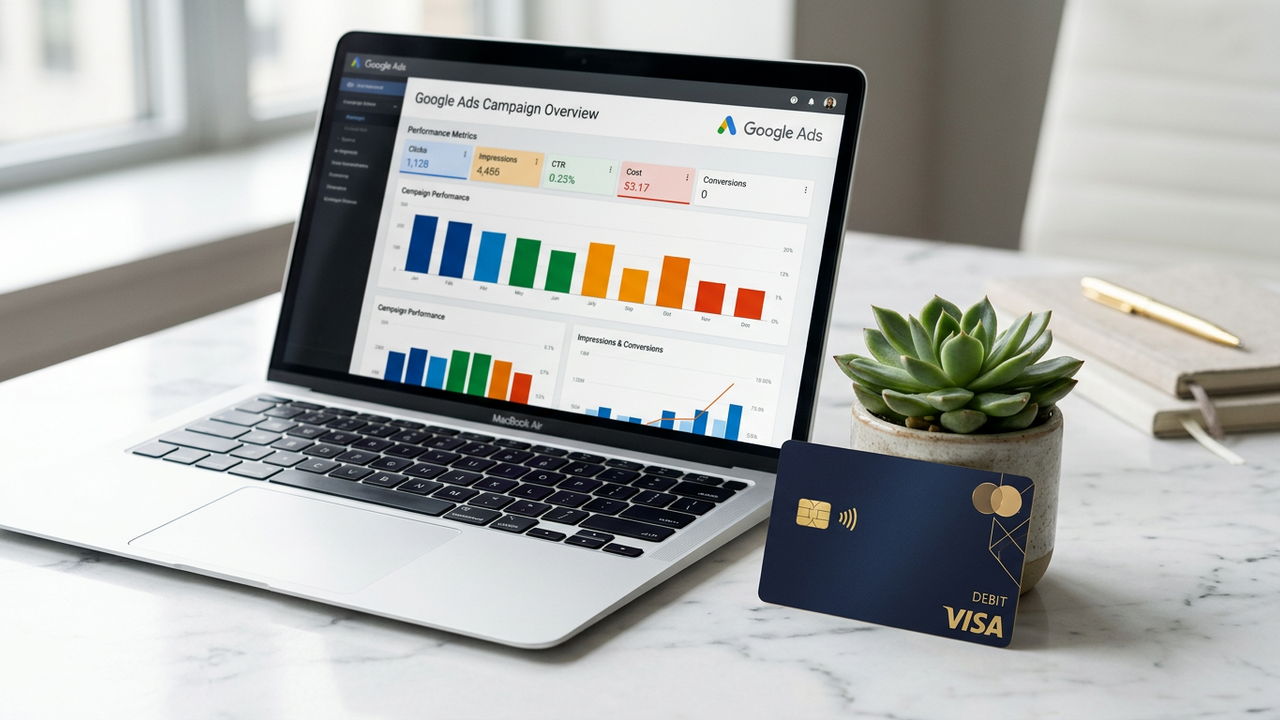
Google Ads is stricter than Meta on payment methods. Cards trigger an automated review every time the account spend pattern shifts: first $100, first $1,000, first $5,000, and any rapid acceleration in between. Consumer prepaid cards get rejected at one of those thresholds; Business and Corporate-tier BINs sail through.
CryptoCardy's BIN 471938 (Visa Business) is the BIN we recommend for Google. Same tier banks issue to small agencies, but issued instantly without any identity check and funded with cryptocurrency from your dashboard.
Google Ads' Trust & Safety system runs three layers of card validation:
BIN 471938 clears all three: it's in the Business tier, it has 3DS on every authorisation, and the BIN country defaults to US which matches most Google Ads accounts.
The cardinal rule: one card per account, never reuse. Google links accounts that share payment methods, and a billing dispute on account A will freeze the cards used on B, C, D.
With CryptoCardy, issuing 20 fresh BIN 471938 cards costs $30 total (20 × $1.50). Top each one up from the central account balance as needed. The card-account-account linkage is broken because each card has its own BIN-suffix sequence.
For MCC (Manager) accounts that aggregate billing across multiple child accounts, treat the MCC's billing card with extra hygiene: never share it across MCCs, never use it for non-Google charges, rotate it every 90 days.
All three use the same payment-method underwriting as Google Ads. BIN 471938 works on each. YouTube Ads specifically, being part of Google Ads, requires no different setup. Google Merchant Center has additional product / website verification but the card path is identical.
Seed-only signup. Top up with Bitcoin, USDT, Monero, or 17 other supported coins.
Pick the Visa Business BIN. $25 minimum load; for a typical Google Ads spend, $500-$2,000 is comfortable.
Navigate to Tools → Billing → Settings → Payment methods. Add a credit/debit card. Paste the details from your dashboard.
Google holds $1 to validate the card. It clears within 1-2 minutes. The payment method is then live for billing.
Start at low daily budget for 7 days. Pass the first 3DS challenge at $100 cumulative. Ramp from there.
No. Google sees a valid Visa Business card. The upstream funding source — your CryptoCardy balance topped up with Bitcoin — is invisible to them.
BIN 471938 supports automated 3DS — the challenge passes silently in most cases. If Google forces a manual SMS challenge, it means your account fingerprint looks unusual (often a proxy issue). Switch to a cleaner proxy and retry.
Technically yes, but we recommend against it. One card per platform per account keeps the audit trail clean and prevents cross-platform billing-issue contagion.
Yes, identical to Google Ads — they share the same billing system.
Use <a href="/bins/493847-visa-corporate-saas">BIN 493847 (Visa Corporate)</a> instead — it's tuned for SaaS recurring billing rather than ad-platform spend.
The card is one input. Most suspensions stem from policy violations (landing-page content, prohibited categories) or account-creation fingerprint (datacenter IP, browser without history). A clean card + clean proxy + clean content gets you the highest survival rate.
Sign up with a seed phrase, top up with crypto, issue a BIN 471938 card, add it to Google Ads. Done in 90 seconds.