
Add a no KYC virtual crypto card to Google Wallet in under 10 minutes. This setup gives you anonymous debit card behavior without linking a personal bank-issued card.
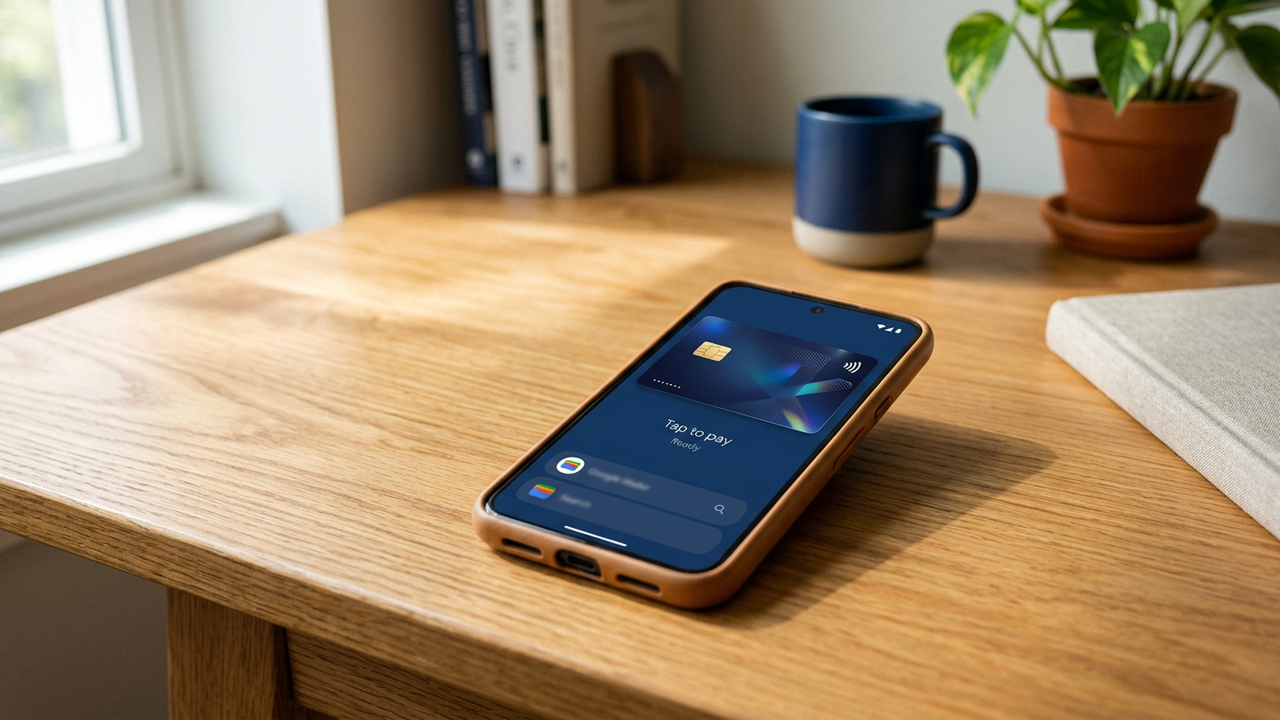
Google Wallet provisions cards into your Google account, which means there is already some identity tied to your wallet. What this guide does is decouple the card itself from your identity: even though the wallet is in your Google account, the no KYC virtual crypto card inside it has no bank linkage and behaves much closer to an anonymous debit card.
Seed-phrase signup at cryptocardy.com. No email, no phone, no document.
For instant Wallet provisioning, deposit USDT TRC-20 or Solana  both settle in seconds. Bitcoin and Ethereum take 5-30 minutes for the typical confirmation thresholds.
BIN 541263 (Mastercard Standard) is the default recommendation for Google Wallet. BIN 485291 (Visa Platinum) works equally well. Either one auto-provisions without the "verify with your bank" detour that consumer-prepaid BINs trigger.
Set the load amount ($200-$500 covers most everyday tap-to-pay needs), confirm. Card number, expiry, CVV appear in the dashboard within 5 seconds.
Tap Add to Wallet, then Payment card, then Add new card.
Card number first, then expiry, then CVV. Cardholder name can be any plausible value  Google doesn't validate it against issuer records.
Provisioning takes 3-10 seconds. Once done, the card is in your Wallet and ready to tap at any contactless Mastercard / Visa terminal worldwide.
Once the card is in your Wallet, it's automatically available for Google Pay buttons on web checkouts (Chrome autofill). No separate setup. The merchant gets a Google-tokenised payment; the underlying card stays in your Wallet, not in the merchant's database.
Open the Watch companion app on Android, add the card via the Wallet section. The watch generates its own DPAN  you can tap-to-pay from either the phone or the watch independently. Useful for activities (running, gym) where carrying the phone is inconvenient.
Google knows: your Google account, that you added a card, the BIN range and last-4 of the card, every Wallet transaction's merchant + amount + location. Google does NOT know: who issued the card to you, what funding source backed it, your real name. The card is opaque to Google's identity model.
If your goal is complete separation from your Google identity, use a separate Google account specifically for this Wallet. Sign in with a different browser profile, on a different SIM, or use a Lineage/GrapheneOS device with a dedicated burner Google account.
If Google Wallet rejects the card or asks for additional verification:
No. Any Android device with Google Wallet works. iPhones use Apple Pay (see our Apple Pay guide).
Yes. Add as many as you want from the same CryptoCardy account (up to 20 active) or from multiple CryptoCardy accounts.
Yes  both accept contactless Visa/Mastercard via Google Pay, and the recommended BINs (541263, 485291) have been validated on each.
Use Google's "Find My Device" to remotely disable Wallet, OR log into your CryptoCardy dashboard and freeze the card. Freezing blocks all charges including any pending Wallet authorisations.
Google's ads system may use Wallet data  their policy on this evolves. The card-level transaction stays private from merchants, but Google itself has full visibility into Wallet activity within your account. For complete decoupling, use a dedicated Google account for the Wallet.
Seed-phrase signup, crypto deposit, BIN 541263 issuance, paste into Google Wallet. Tap-to-pay anywhere within 10 minutes.