
A complete walkthrough for adding a no-KYC, crypto-funded Visa Business card to your Google Ads account. Cleared Google's payment underwriting; clean 3DS handling; rotation pattern for long-term account hygiene.
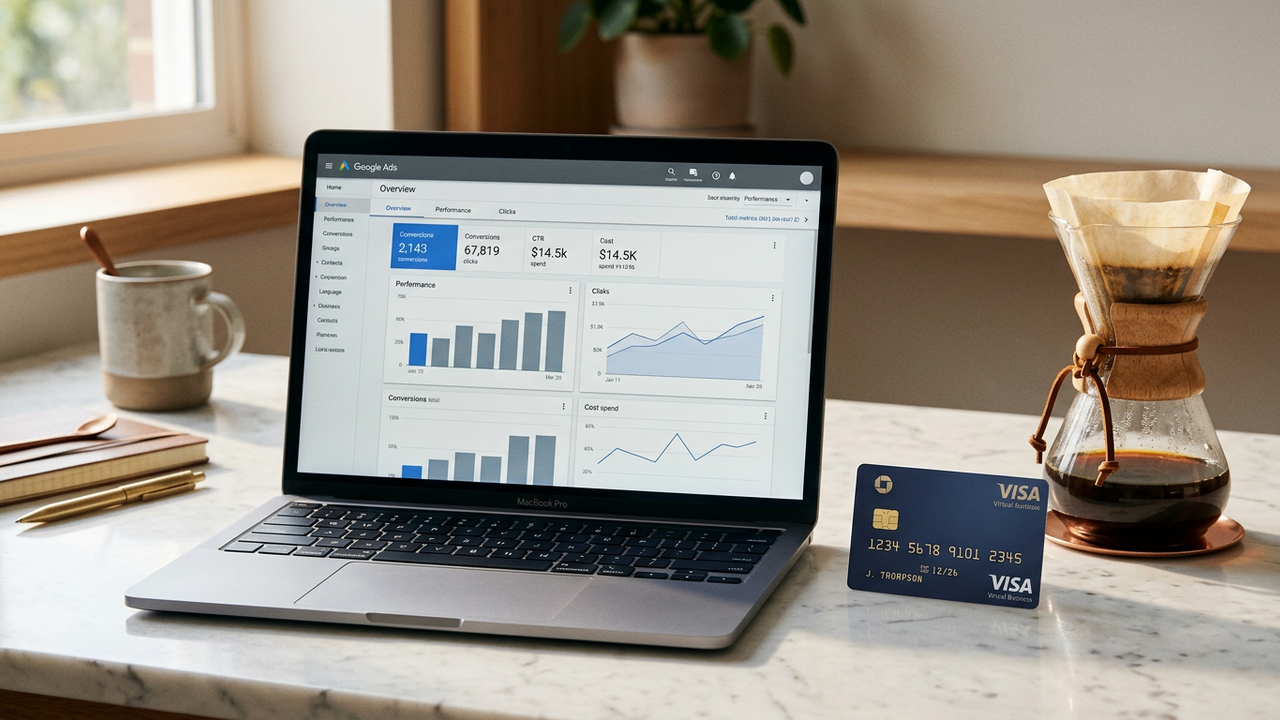
Google Ads accepts any working Visa or Mastercard. The trick is picking a BIN tier that clears their internal underwriting at the spend thresholds you care about. BIN 471938 (Visa Business) sits in the band Google's billing system treats as low-risk, which means cleaner provisioning and fewer "your payment method needs verification" interruptions during the spend ramp.
In CryptoCardy's dashboard, top up with crypto, then issue a BIN 471938 Visa Business card. Load amount: enough for two weeks of expected spend.
In your Google Ads account, navigate to Tools and Settings → Billing → Settings → Payment methods. Click Add payment method.
Paste the card number, expiry, and CVV from the dashboard. Cardholder name: any plausible value. Billing address: match the country of the IP you signed up from.
Google holds $1 to validate the card. It clears in 1-2 minutes. The payment method is then live.
At your account's first $100 cumulative spend, Google triggers an automated 3DS challenge. BIN 471938 supports automated 3DS, so the challenge passes silently in most cases. If it asks for a manual SMS code, your account fingerprint looks unusual — investigate the proxy / browser setup, not the card.
Start at low daily budget for 7-14 days. Pass the second 3DS challenge at $1,000. Ramp from there. Rotate the card every 30-60 days for long-term account hygiene.
No. Google sees a valid Visa Business card with normal authorisation flow. The funding source upstream is invisible.
Never. Google links accounts that share payment methods, and a billing dispute on one cascades to all sharing the same card. One card per account.
Yes — they share the same billing system as Google Ads.
Almost never on BIN 471938. If it happens, your fingerprint (proxy, browser, account history) is more likely the issue than the card. Try a fresh card on the same BIN from a fresh browser profile.
USDT TRC-20 or Solana deposits settle in seconds. BTC and ETH take 5-30 minutes.
Issue a BIN 471938 Visa Business card in 60 seconds. Add it to Google Ads. Start campaigns with a payment method that clears.