
A Visa Platinum BIN 485291 card optimised for Apple Wallet provisioning. Issued without KYC, funded with crypto, ready to tap-to-pay anywhere Apple Pay is accepted.
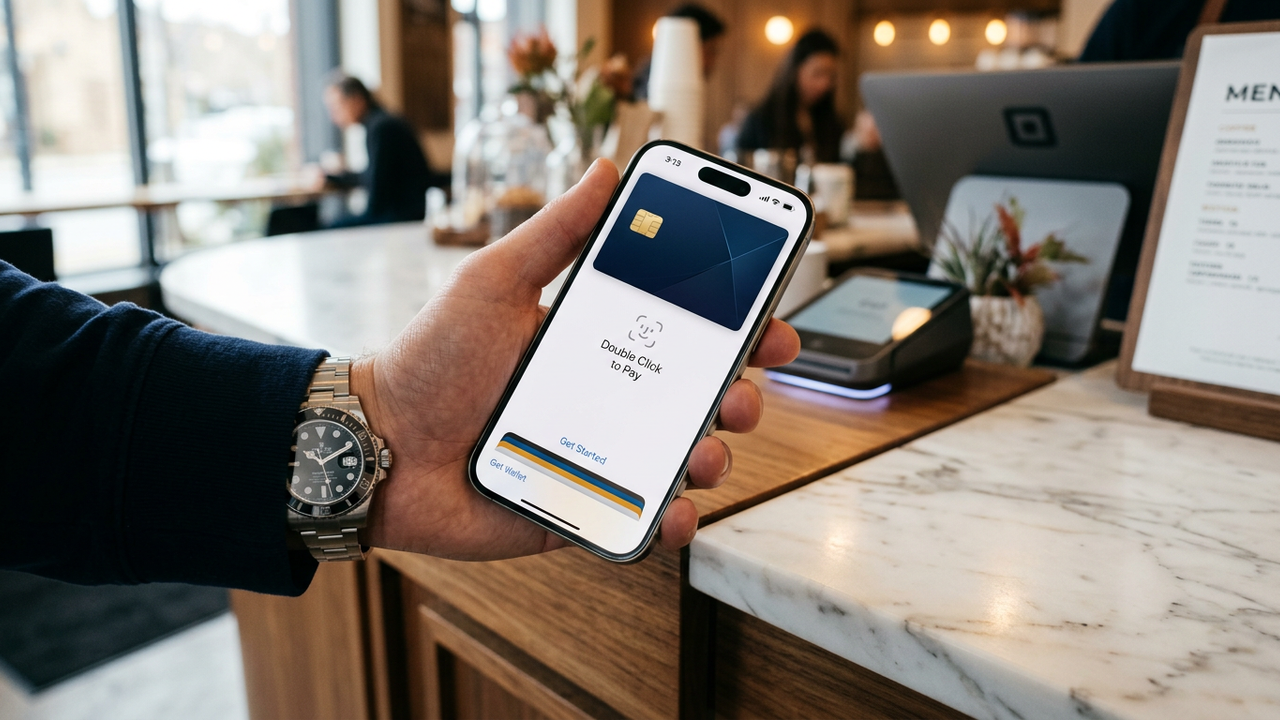
Apple Pay tokenises the underlying card so the merchant only sees a device-specific DPAN, not your real card number. That's already a strong privacy layer — but the upstream card is still tied to a bank that knows everything about you. CryptoCardy removes that last step: the card itself is anonymous, funded with crypto, and issued without any identity check. Apple sees a valid Visa Platinum BIN, your bank sees nothing because there is no bank.
Apple Wallet's issuer-validation service ranks cards by BIN tier when deciding whether to provision instantly or require additional verification. BIN 485291 sits in the Visa Platinum tier — high enough that Apple's system treats it as low-risk and auto-provisions without the "your bank needs to verify this card" detour that lower-tier prepaid BINs often trigger.
That detour is fatal for a no-KYC card: the verification path requires an SMS code or a callback to a registered phone number, neither of which exist on an anonymous account. BIN 485291 avoids the path entirely.
Add the same card to your Apple Watch via the Watch app on iPhone. Each device gets its own DPAN, so the card lives independently on the phone and the watch. Tapping on either works the same way, and either DPAN can be deactivated without affecting the other (useful if you lose the watch).
Apple Cash is Apple's own peer-to-peer payments product, distinct from Apple Pay card tokenisation. Apple Cash requires a US Apple ID, US address, US SSN for KYC, and is incompatible with anonymous setups. Use Apple Pay (card tokenisation) instead — that's what 99% of "Apple Pay" use cases actually mean.
Generate a seed phrase. Send crypto to your account balance.
Pick Visa Platinum BIN 485291. Load $200-$500 for everyday tap-to-pay use.
Tap + → Debit or Credit Card → Enter Card Details Manually.
Card number, expiry, CVV from your CryptoCardy dashboard. Cardholder name: any plausible value.
Provisioning completes in seconds. Use the card at any contactless terminal that accepts Visa.
There is no bank involved. The card is issued by CryptoCardy, funded from your crypto-topped-up account balance. No bank profile, no banking footprint.
BIN 485291 rarely triggers this, but if it does, delete the card from Wallet and re-add it. If the second attempt also asks for verification, issue a fresh BIN 485291 card — it sometimes happens after a long card lifetime.
Yes. Both systems accept contactless Visa via Apple Pay and have been tested with BIN 485291.
No. Apple Wallet uses a device-specific DPAN (Token PAN) and a cryptographic Secure Enclave. The original CVV is only used once during provisioning and is then discarded — Apple regenerates a dynamic CVV for each transaction.
Yes. Issue as many BIN 485291 cards as you want (up to 20 active), add each to Apple Wallet independently. Useful for separating spending categories on one device.
Apple Pay charges are blocked instantly because the DPAN derives from the underlying card. Unfreezing reactivates the same DPAN without needing to re-provision.
Sign up, top up with Bitcoin or USDT, issue a BIN 485291 card, paste it into Apple Wallet. Done.